
9.7K
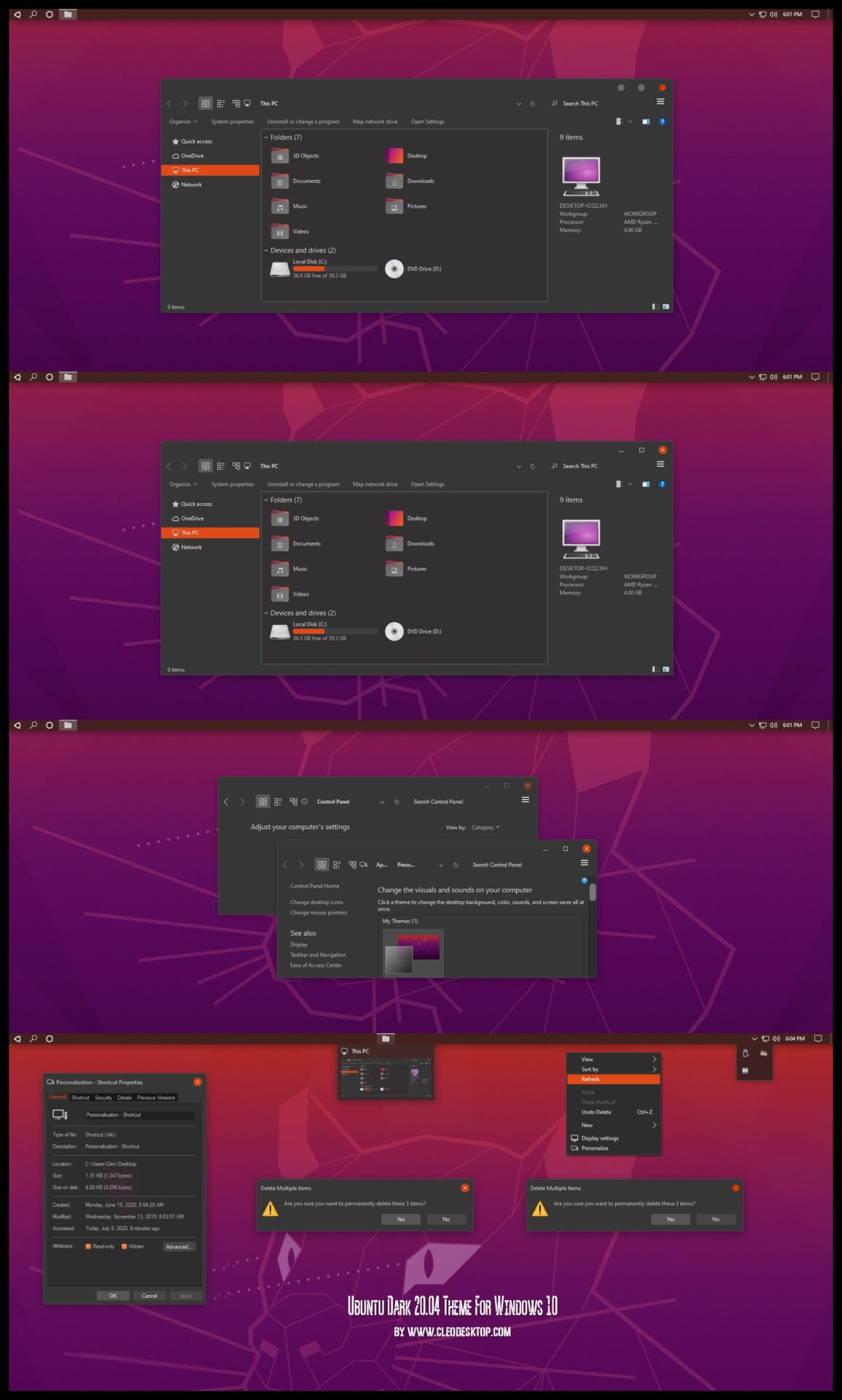
Ubuntu Dark 20.04 Theme For Windows 10
—————–
Support DPI 100%, 125%, 150%, 175%, 200%, 225%, 250%, Scaling
——–
+ Ubuntu Dark 20.04-1 (Min, Max, Close Round)
Theme For All Windows10 Versions 1607, 1703, 1709, 1803, 1809, 1903, 1909, 2004, 20H2, 21H1, 22H2.
Compatible for both x64 & x86 system
- How to install
– For using this theme first you need install UltraUXThemePatcher [link]
– Copy all file in “Theme” folder to “%windir%/Resources/Themes”.
– You Need Install OldNewExplorer (Setting Install like picture “OldNewExplorer Setting”).
– Open personalize panel and apply theme.
Ubuntu Dark 20.04 Theme For Windows 10
—————–
Support DPI 100%, 125%, 150%, 175%, 200%, 225%, 250%, Scaling
——–
+ Ubuntu Dark 20.04-1 (Min, Max, Close Round)
+ Ubuntu Dark 20.04-2 (Min, Max, Close Default)
———-
+ Ubuntu Dark 20.04 iPack Icon
+
Theme For Chrome
+
Theme For Firefox
——
(Buy at only $9.99)
==================
Gallery Windows 11 Themes [link]
==================
Gallery Windows 10 Themes [link]
Gallery Windows 11 Themes [link]
==================
Gallery Windows 10 Themes [link]
4 comments
Excellent theme. Please can you update for windows 10 22H2 ?. Thanks
Yes. I’m updating it. just you buy it. I’ll receive update in today
Fine. So I’ll buy it now
Thank you so much! I updated. Please check your email for link update